
How to make your graduation collage
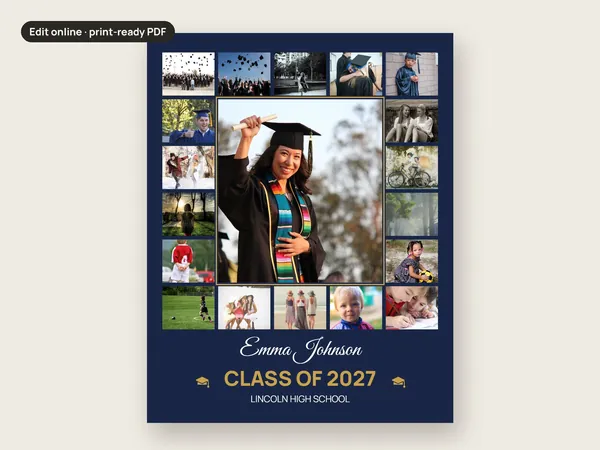
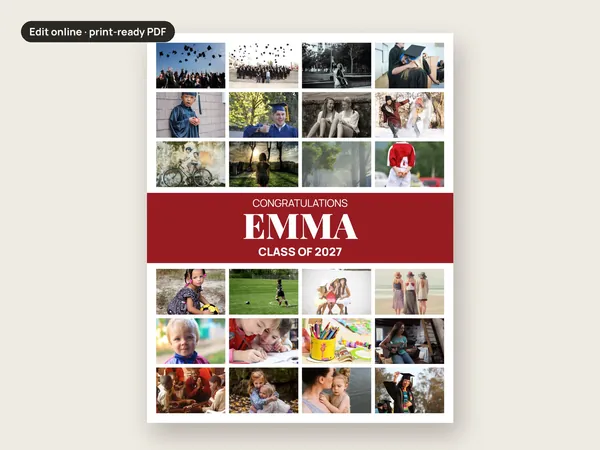
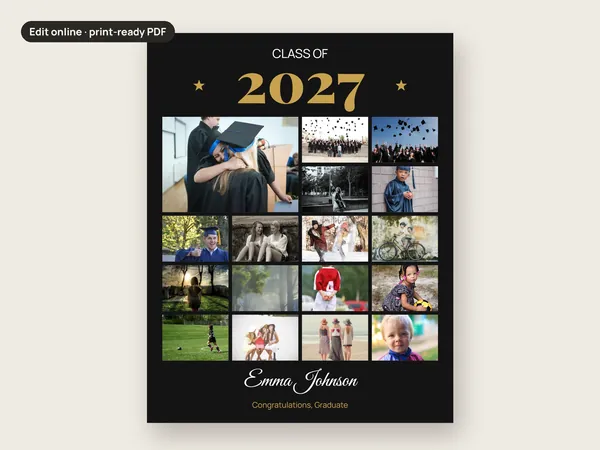
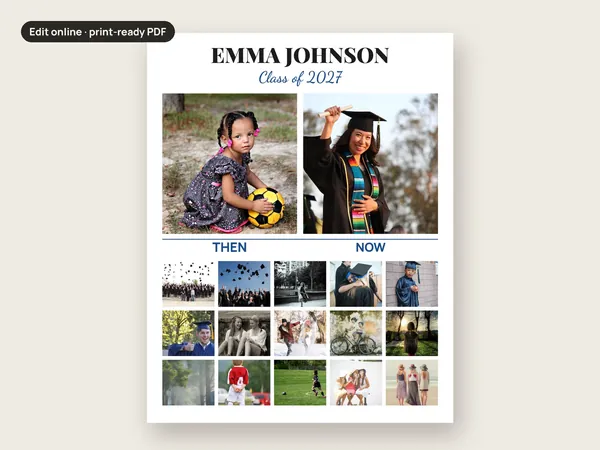
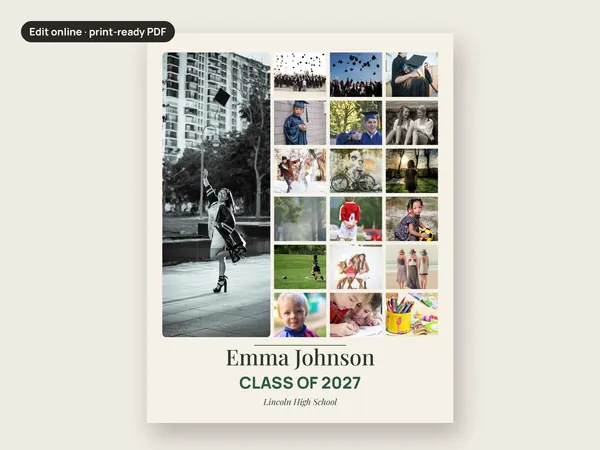
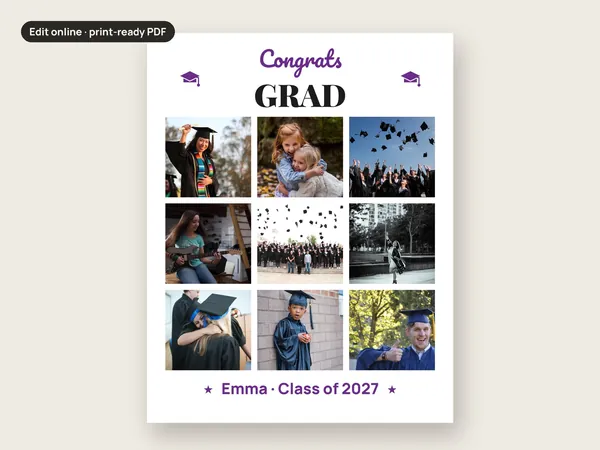
- Choose a design: a big photo in the middle, a name banner, the class year in big numbers, then and now, a senior portrait on the left, or Congrats Grad with nine photos.
- Add the photos: tap a spot to add a photo, then drag and zoom it. The big spot comes first: use the cap-and-gown or senior photo there.
- Pick the school color and change the words: name, class year and school.
- Download the PDF at the size you need and print it.
Photo ideas for a graduation collage
- A baby photo and the first day of kindergarten, next to the cap and gown (the then-and-now design is made for this).
- School pictures from a few grades, a sports team or the band, the school play, prom.
- Best friends, family trips, pets, the first car, the summer job.
- The senior portrait or a photo in the cap and gown for the big spot.
Wording ideas
- Headings: Class of 2027; Congrats Grad; Congratulations, Graduate; The Road to Graduation; Look How Far You've Come.
- Under the name: the school, the college they are going to next, or their major.
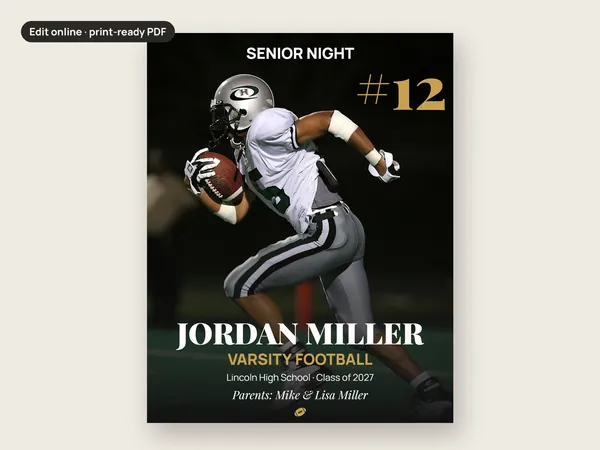
- For a senior night: their number and sport, or "Senior 2027".
For the last home game, see the senior night posters. A single photo as a gift? See the graduation magazine cover. For the photo booth at the party, see graduation photo strips and graduation Polaroid frames.
Guide: Graduation party photo display ideas
Questions
How can I use it?
On an easel at the graduation party or open house, by the guest book or the gift table, on the front door to welcome guests, at a senior night or a school banquet, and afterwards framed in their room. A smaller print makes a gift for grandparents.
How many photos do I need?
Between 9 and 24, depending on the design: 9 on the Congrats Grad board, 17 on the year and then-and-now designs, 19 to 24 on the others. An empty spot prints as a plain light square, so fill every spot or use a favorite photo twice.
Can I use our school colors?
Yes. Pick the school color with one tap: the banner, frame, year, caps and lines change to match. You can also change the background color and the color of any line of text.
Which size should I print?
18 x 24 or 24 x 36 inches for an easel or a wall at the party; 16 x 20 for a table; 11 x 14 to frame or give. Photos stay sharp on big posters when they are at least 1000 pixels wide; phone photos are fine.
I don't have a printer. Where can I print it?
Save the PDF to a USB stick or email it to a print or copy shop near you, such as Staples, FedEx Office, The UPS Store, Walgreens or CVS. Ask for a poster print at the size of your file, at 100% (actual size). Many print posters the same day; a foam board backing makes it stand on an easel.
Can I send it digitally?
Yes. Email the PDF or send it in WhatsApp, iMessage, Messenger, Instagram, Telegram or any other chat, or add it to the party invitation. To have it show as a picture in a chat, open it on your phone and take a screenshot, then send that.
When should I make it?
Most graduations are in May and June, and print shops are busiest in the weeks before. Make the poster two to three weeks before the party and print it a week ahead.