
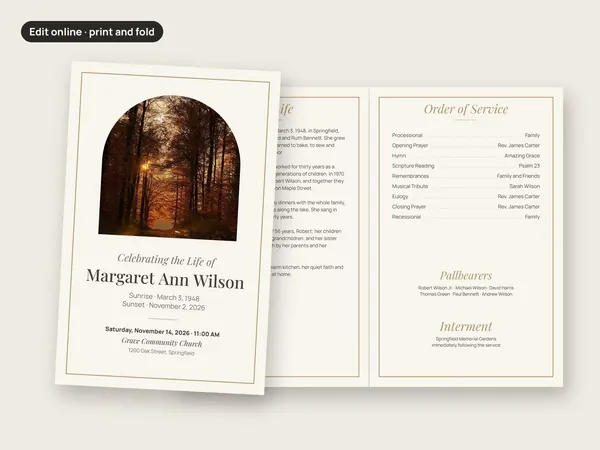
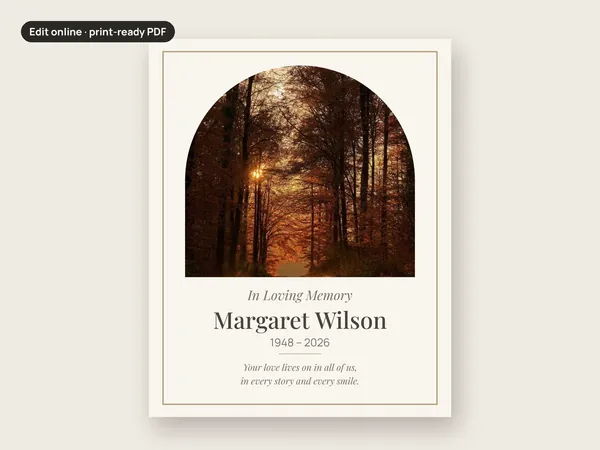
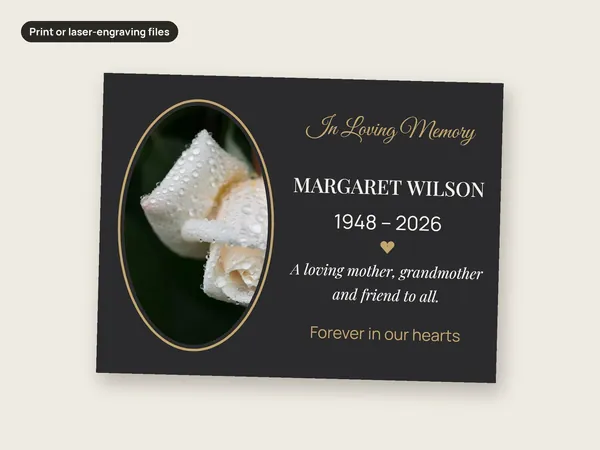
Three layouts
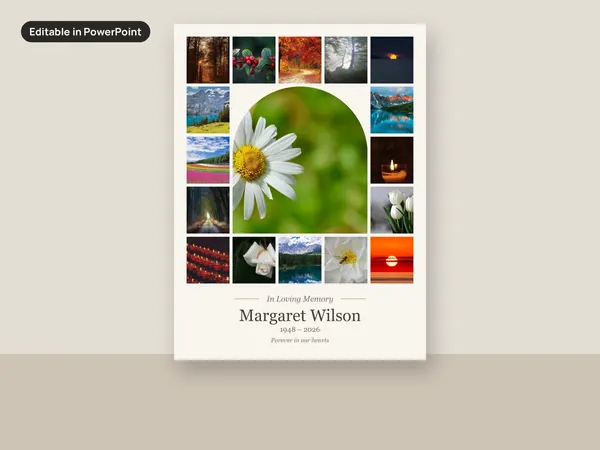
- Portrait in the center: one large photo in an arch, with smaller photos around it. Best when one photo says the most.
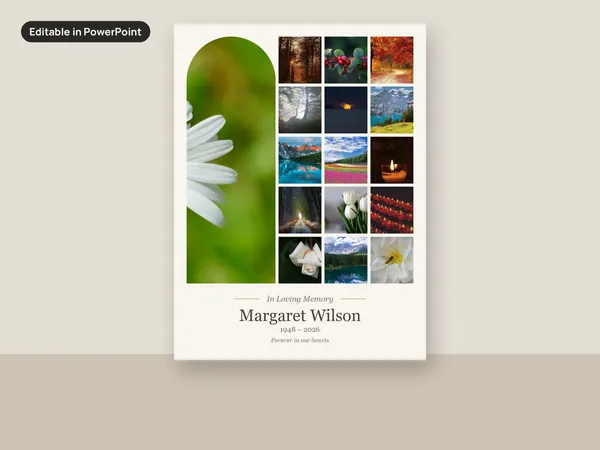
- Portrait on the left: a tall arch portrait beside a grid of photos.
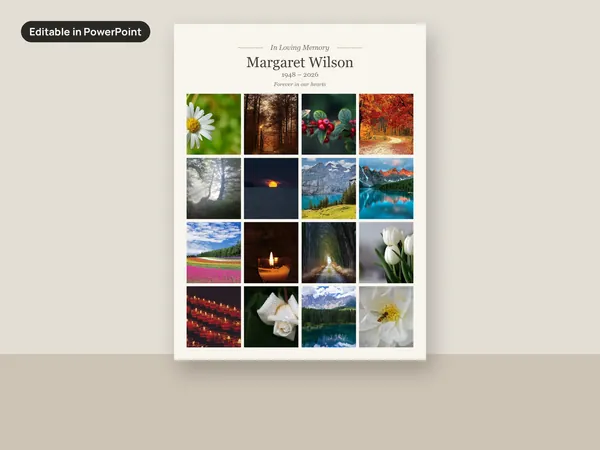
- Photo grid: an even grid of photos with the name and dates at the top. Best when you have many photos you love equally.
Each comes in three quiet colors (ivory, sage and slate) and four sizes: 11x14, 16x20, 18x24 and 24x36 inches.
How to make the poster
- Choose your photos. Most layouts hold 16 to 22. Phone photos and scans of older prints both work; scan prints at 300 dpi or more.
- Open the file in PowerPoint. Click the picture icon in each spot, or drag a photo onto it. The photo is cropped to fit. To change what shows, choose Crop and move the photo.
- Type the name, dates and words. Click any line of text and type over it.
- Save as PDF (File, Save As, PDF) and print at the size you chose, at 100%.
Which size?
| Size | Good for |
|---|---|
| 11 × 14 in | A table display, a framed keepsake for family |
| 16 × 20 in | A table easel at a smaller gathering |
| 18 × 24 in | A standard easel at the service or reception |
| 24 × 36 in | The main display at the entrance; seen from a few steps away |
Guide: How to make a memorial photo board for a funeral
Questions
How can I use it?
On an easel at the funeral, memorial service, wake or celebration of life, by the guest book or at the reception. Afterwards it can be framed at home, and the file can be printed smaller for family members who live far away.
How long does it take to make?
Most people finish in under an hour once the photos are chosen. Each photo spot crops the picture to fit by itself, so there is no resizing by hand.
Which program do I need?
The files are made for Microsoft PowerPoint. Keynote and Google Slides also open PowerPoint files.
Can I change the wording?
Yes. "In Loving Memory", the name, the dates and the last line are ordinary text. Type over them, for example with "Celebrating the Life of" or a favorite saying.
What if I have fewer photos than spots?
Use the same photo more than once, or choose the layout with the large portrait, which needs fewer photos. You can also delete a spot and spread the others out.
I don't have a printer that big. Where can I print the poster?
Save the slide as a PDF and email it or take it on a USB stick to a print shop near you, such as Staples, FedEx Office, The UPS Store, Walgreens or a local copy shop. Many print posters the same day. Ask for the size of your file at 100%. 18x24 and 24x36 inches fit a standard easel.
Can I make changes after I have printed?
Yes. Keep the file. You can come back to it, change a photo and print again as often as you need.
Can I share it with family who cannot be there?
Yes. Save the slide as a PDF or a picture (in PowerPoint: File, Save As, PNG or JPEG) and email it or send it in WhatsApp, iMessage, Messenger, Telegram, Viber, Signal, Instagram or any other chat. You can also post it with the service details or put it in the online memorial.