
How to make your photo collage
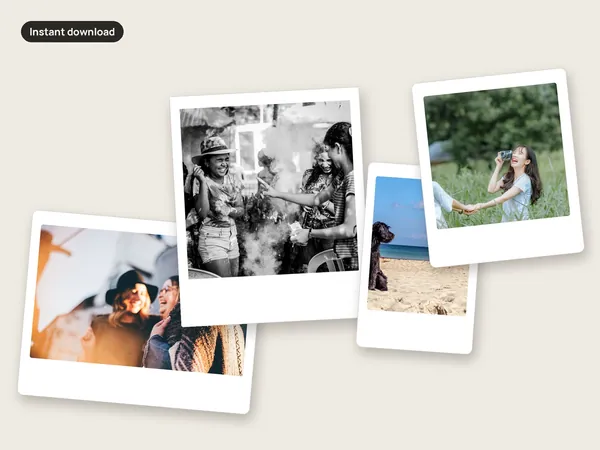
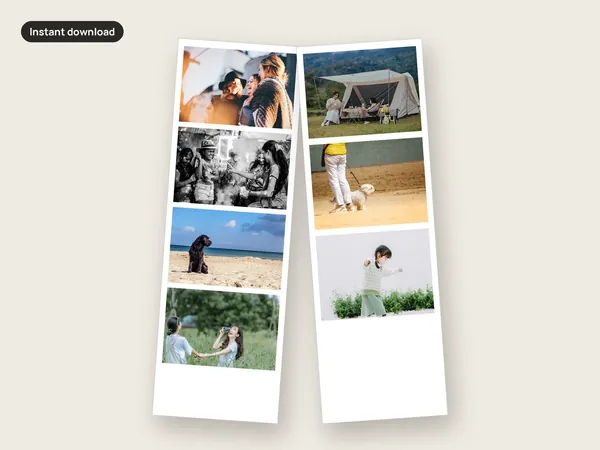
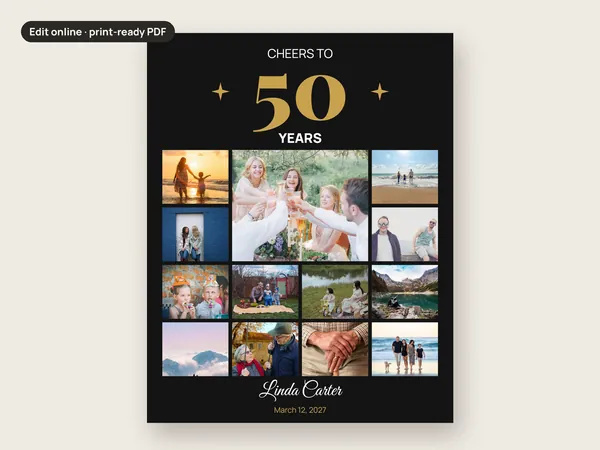
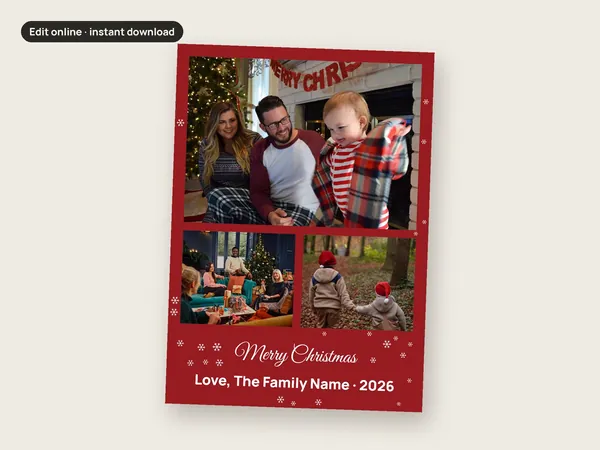
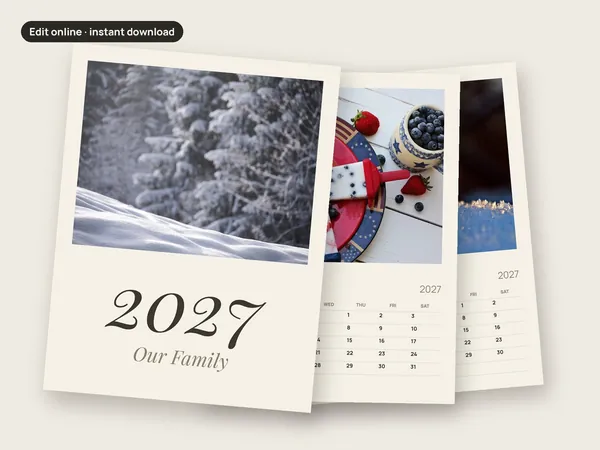
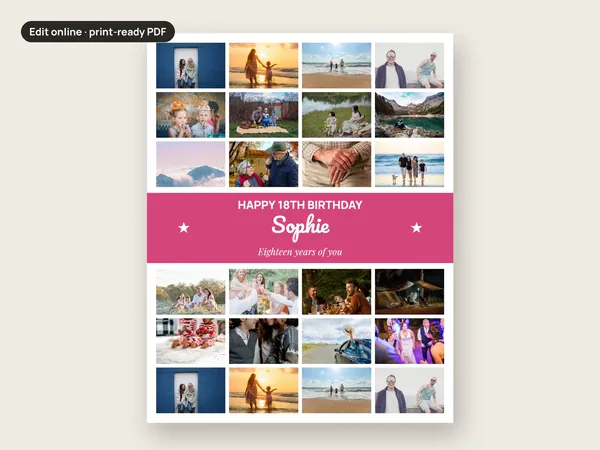
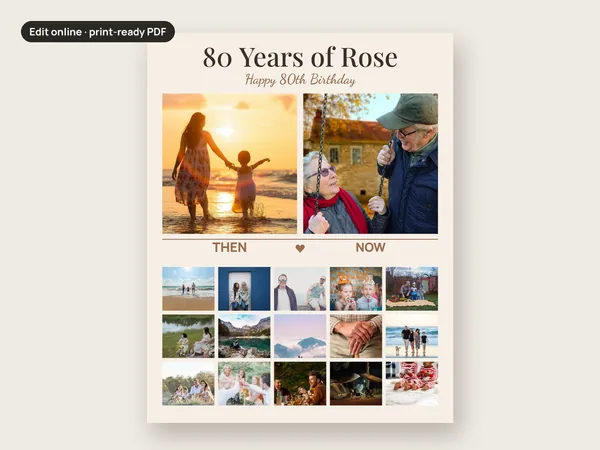
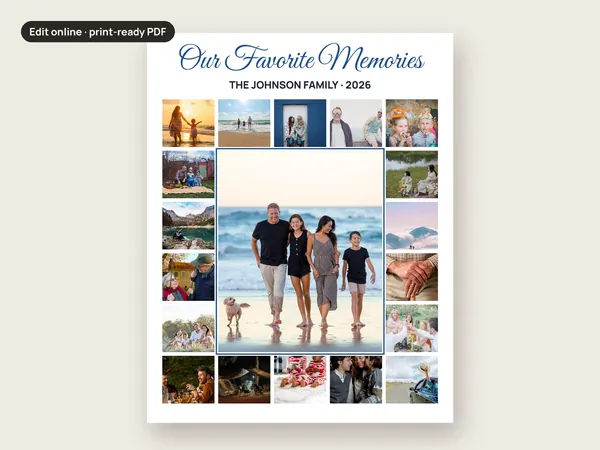
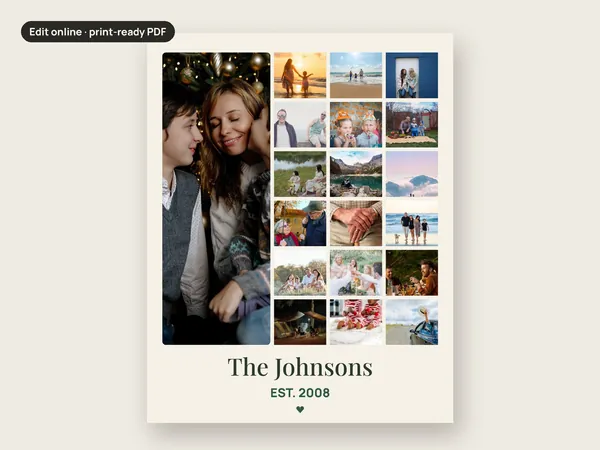
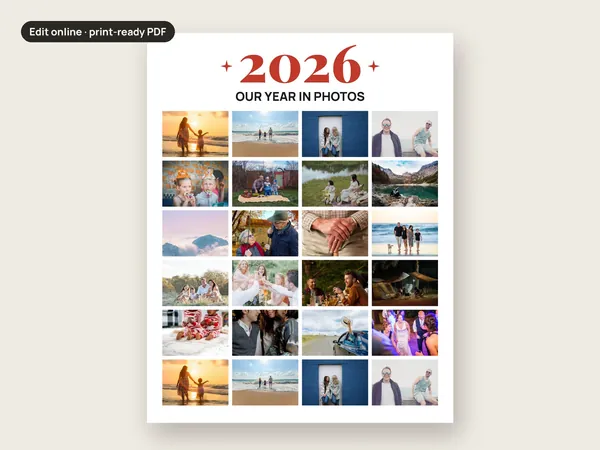
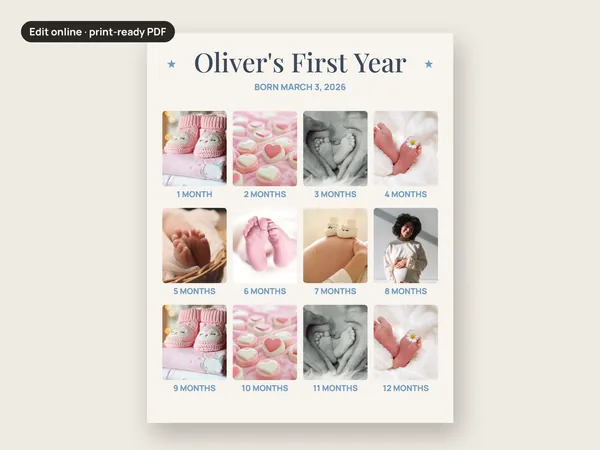
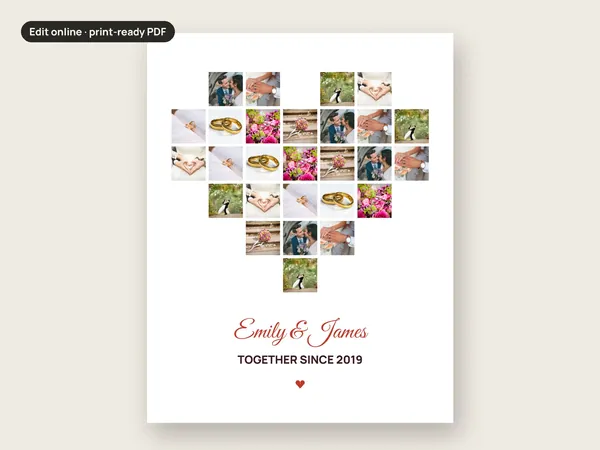
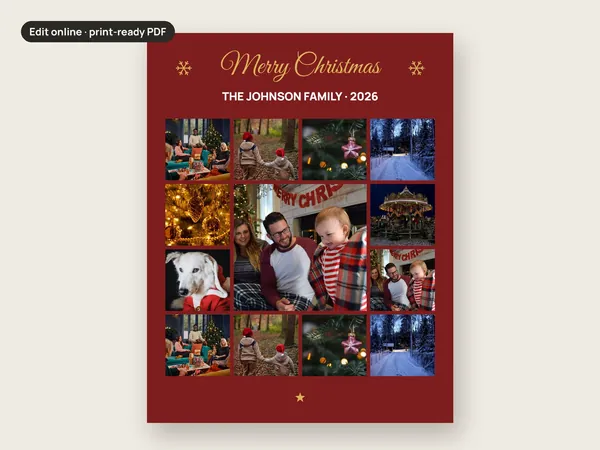
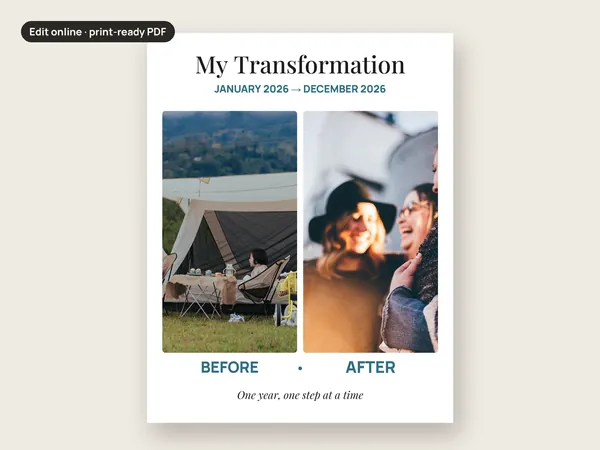
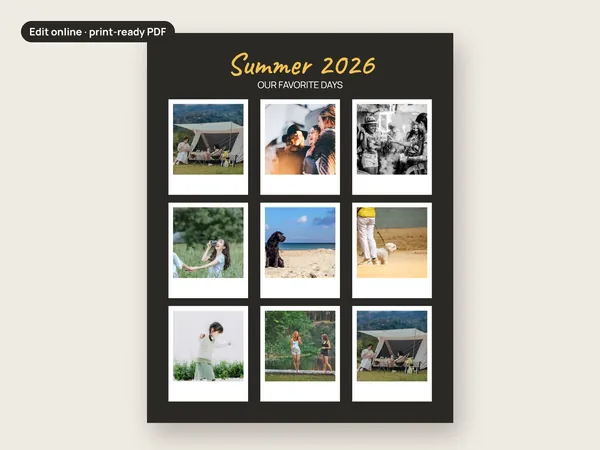
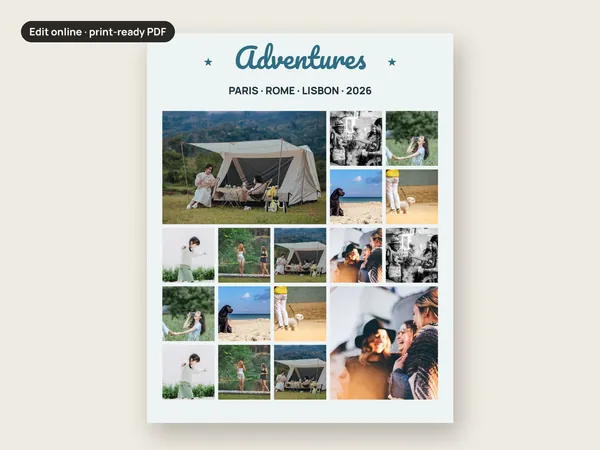
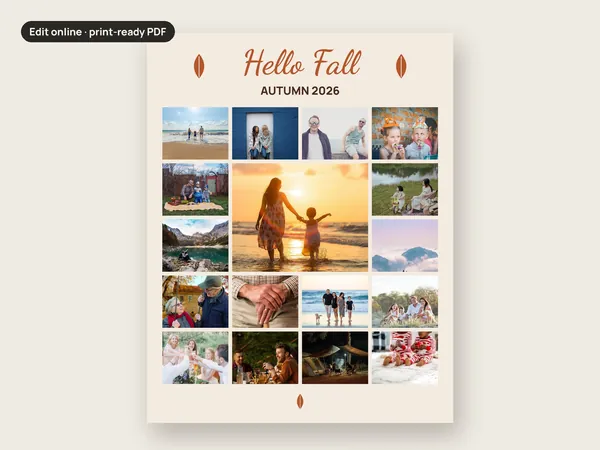
- Choose a design: a big age in gold, a name banner, then and now, a big photo in the middle, a family portrait on the left, a year in 24 photos, baby's first year month by month, a heart, Christmas, before and after, a Polaroid wall, travel or fall.
- Add the photos: tap a spot to add a photo, then drag and zoom it. Put the best one in the big spot.
- Change the words and colors: the title, age or year, the name, and the accent color.
- Download the PDF at the size you need and print it.
Ideas
- Milestone birthday: one photo from each decade, in order, for a 60th, 70th, 80th or 90th.
- 18th or 21st: baby photos, school pictures, friends, teams and trips.
- Year in photos: two photos a month, a great gift for grandparents at Christmas.
- Family wall: holidays, the first house, the pets, the kids growing up.
- Baby's first year: one photo on each monthly birthday, for the first birthday party.
- Anniversary or Valentine's Day: your photos together in a heart.
- Before and after: a fitness year, a renovated room or a garden, side by side.
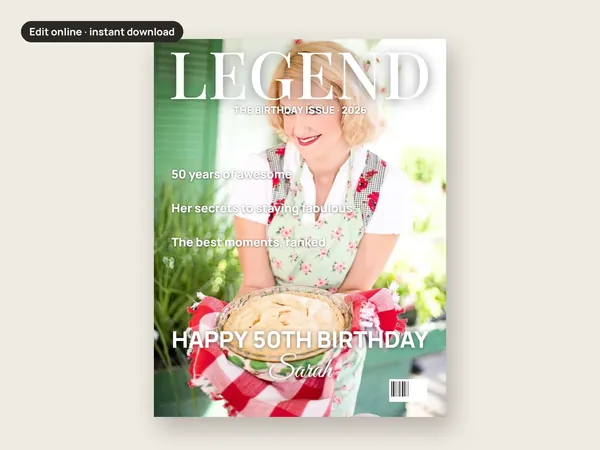
Graduating? See the graduation photo collages. For a single photo as a gift, see the magazine covers.
Guide: Birthday photo collage ideas: choosing and arranging the photos
Questions
How can I use it?
On an easel or the gift table at a birthday party, as a surprise for a 50th, 80th or 90th, framed on the family wall, as a Christmas or anniversary gift for grandparents, or as a year-in-photos poster every New Year.
Can I change the age?
Yes. Every word changes: type 18, 21, 30, 40, 50, 60, 70, 80 or 90, the name and the date. The milestone design works for any age, and the banner design suits a 16th, 18th or 21st.
How many photos do I need?
From 2 on the before-and-after design and 9 on the Polaroid wall to 27 on the heart. An empty spot prints as a plain white square, so fill every spot, or use a favorite photo twice. Old scanned photos work well; the black-and-white switch makes old and new photos match.
Which size should I print?
18 x 24 or 24 x 36 inches for a party easel or a wall; 16 x 20 or 11 x 14 to frame. Photos stay sharp on big posters when they are at least 1000 pixels wide; phone photos are fine.
I don't have a printer. Where can I print it?
Save the PDF to a USB stick or email it to a print or copy shop near you, such as Staples, FedEx Office, The UPS Store, Walgreens or CVS. Ask for a poster print at the size of your file, at 100% (actual size). Many print posters the same day.
Can I send it digitally?
Yes. Email the PDF or send it in WhatsApp, iMessage, Messenger, Instagram, Telegram or any other chat, or post it on the birthday. To have it show as a picture in a chat, open it on your phone and take a screenshot, then send that.