
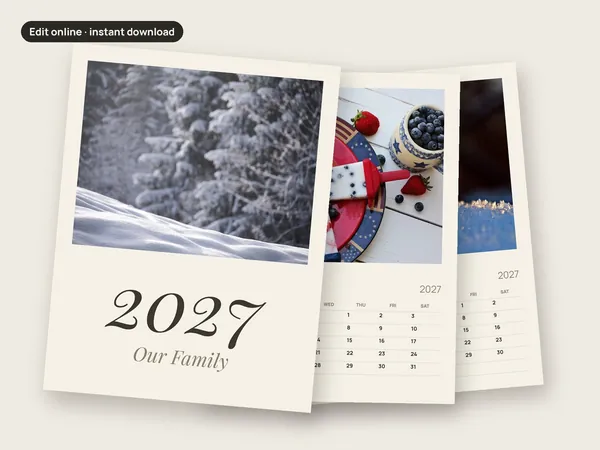
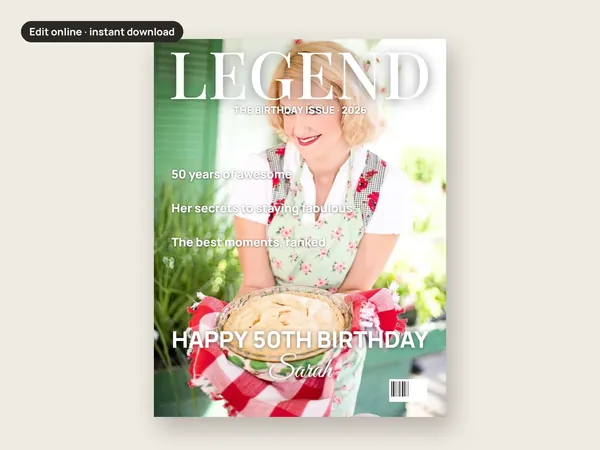
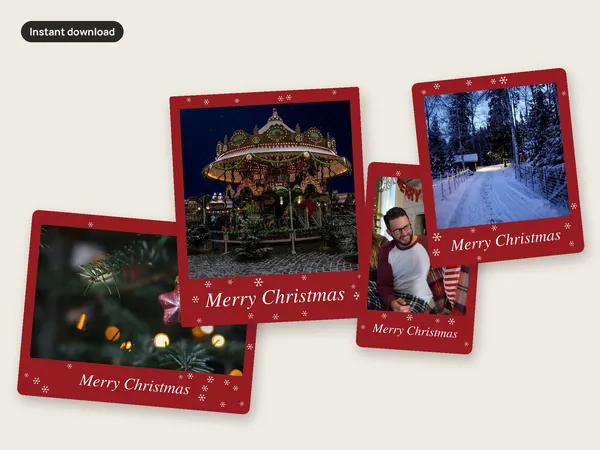
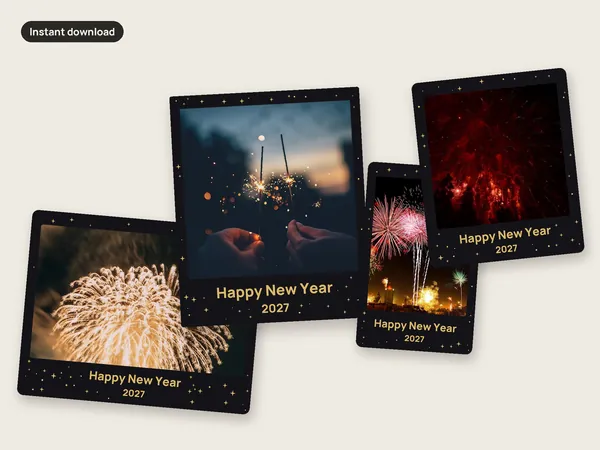
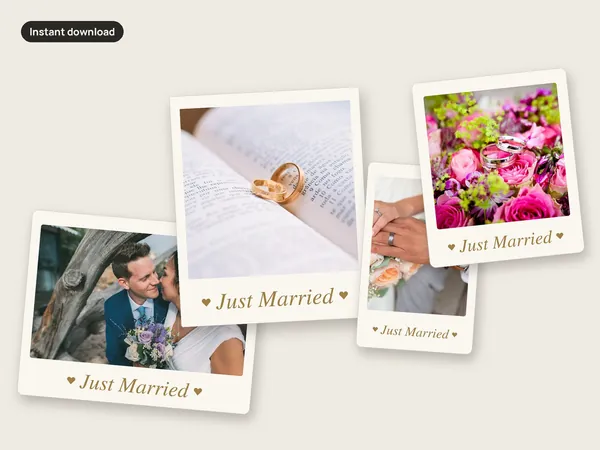
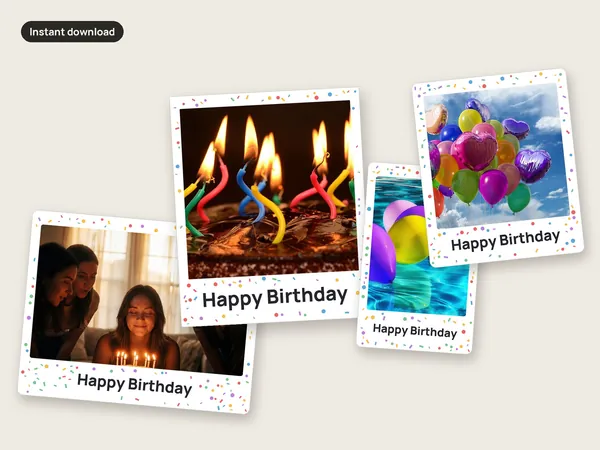
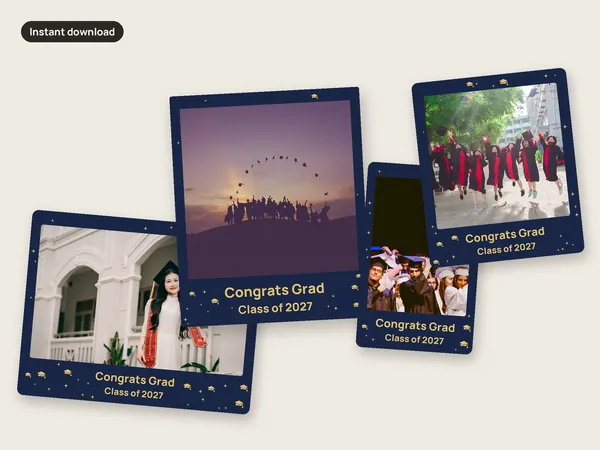
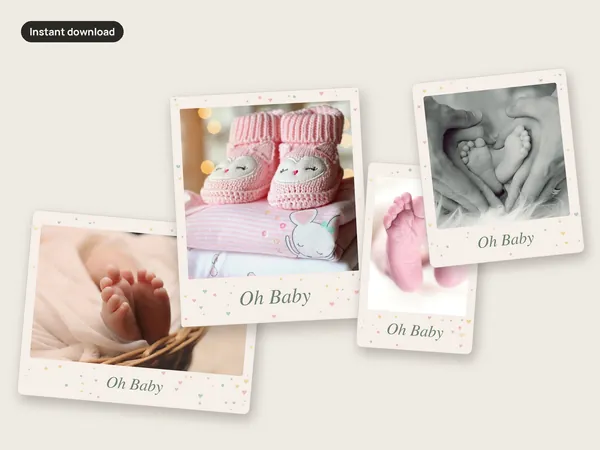
The four sizes
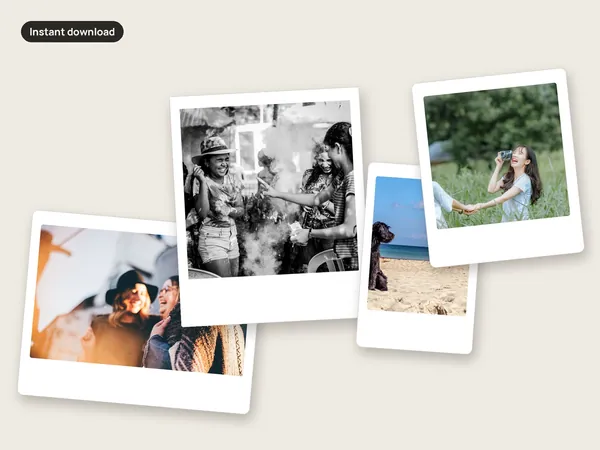
Every frame matches the real film it is named after, so a printed frame lines up with a genuine instant photo.
| Frame | Frame size | Photo window | Per Letter sheet | Per A4 sheet |
|---|---|---|---|---|
| Classic Polaroid (600, i-Type) | 88 × 107 mm (3.5 × 4.2 in) | 79 × 79 mm | 4 | 4 |
| Instax Mini | 54 × 86 mm (2.1 × 3.4 in) | 46 × 62 mm | 9 | 9 |
| Instax Square | 72 × 86 mm (2.8 × 3.4 in) | 62 × 62 mm | 6 | 6 |
| Instax Wide | 108 × 86 mm (4.3 × 3.4 in) | 99 × 62 mm | 3 | 3 |
How to add your photo
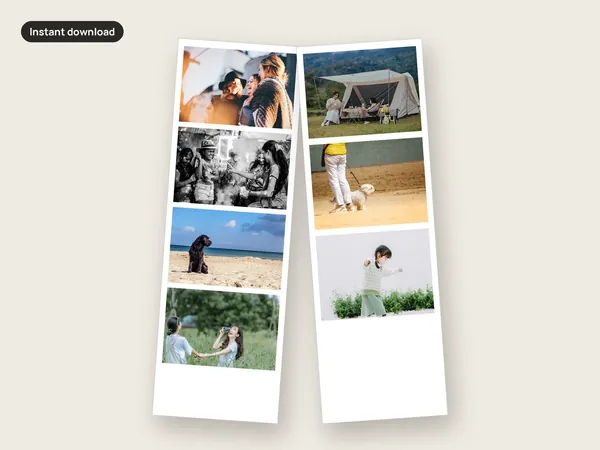
- Open the frame file in Canva, Word, PowerPoint, Google Slides or a photo app. Use the single frame for one photo, or a full sheet to print several at once.
- Put your photo behind the frame. In Canva and the office apps, add your photo and send it backward. Move and resize it until it fills the window.
- Add a caption in the wide border below the photo if you like: a name, a date or a few words.
- Print at 100% on cardstock or photo paper, then cut along the thin grey line. Dark frames need no line: cut along the edge.
Ideas
- A string of frames with mini pegs as a photo garland.
- Party favors and place cards, with each guest's photo.
- Scrapbooks, bullet journals and memory boxes.
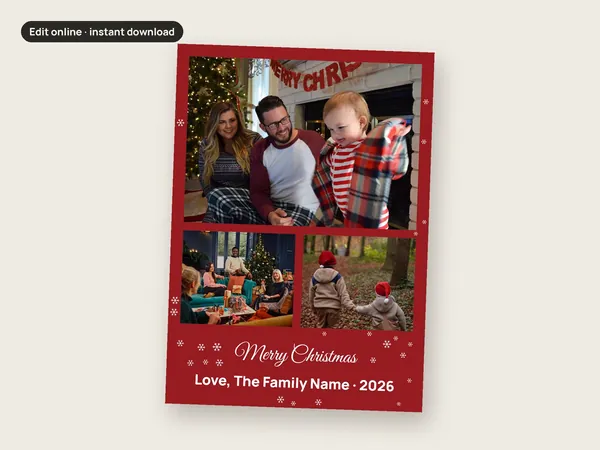
- Cards: glue a frame to the front of a folded card.
Guide: Polaroid vs Instax sizes: Mini, Square and Wide compared
Questions
What can I use them for?
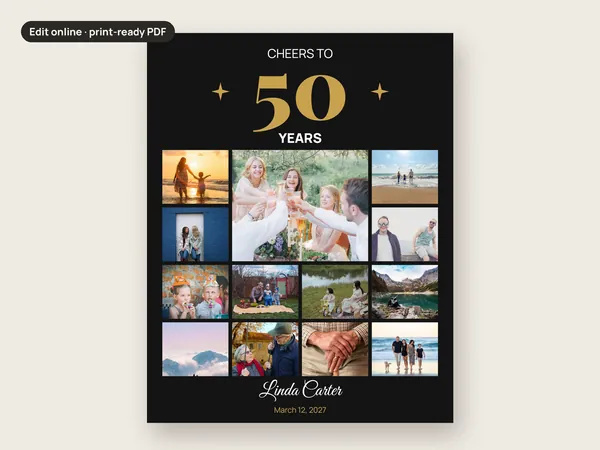
Party favors and photo booth props, guest book pages at a wedding or baby shower, wall and fridge displays, scrapbooks, gifts with a handwritten caption, and place cards with a photo of each guest.
Do I need Canva or Photoshop?
No. The photo window in each frame is see-through, so any app that can put one picture on top of another works: Canva, Word, PowerPoint, Google Slides, Pages, or a photo editor on your phone.
Will the frames be the right size when I print them?
Yes, if you print at 100% (sometimes called "actual size"). If your printer settings say "fit to page", the frames shrink a little.
Which paper should I use?
Matte cardstock of about 65 to 110 lb (175 to 300 gsm) feels closest to real instant film. Photo paper works too and gives a glossy finish.
Can I print them at a photo lab?
Yes. Save your finished sheet as a JPG or PDF and order it as a document print. For single frames, a 4x6 print fits one Classic Polaroid or two Instax Mini frames.
Can I add my own text?
Yes. The space under the photo is the caption area. Add a text box on top of the frame in your editing app before you print.
Do I get the files straight away?
Yes. After payment you get a download link on the order page and by email.
I don't have a printer. Can I still use them?
Yes. Save the file to a USB stick or email it to a print or copy shop near you, such as Staples, FedEx Office, The UPS Store, Office Depot or a local copy shop. Ask for the PDF on white cardstock. Ask them to print at 100% (actual size), not fit to page. Most do it while you wait, for a few dollars.
Can I share the framed photos online?
Yes. Once your photo is in the frame, save it as a JPG or PNG and send it by email or in WhatsApp, iMessage, Messenger, Telegram, Viber, Signal, Instagram or any other chat, or post it on social media. Share what you made, not the empty template files.