
How to make your sign
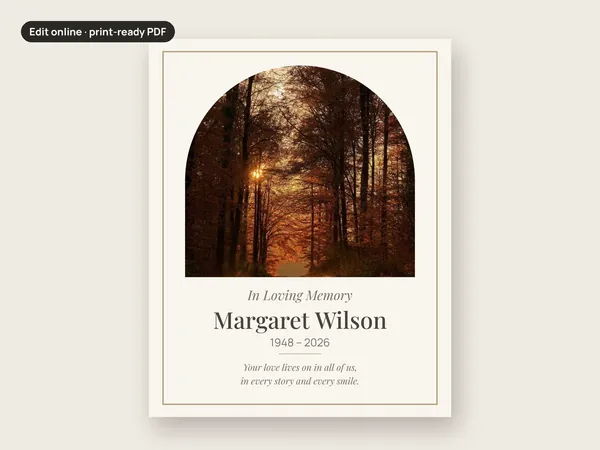
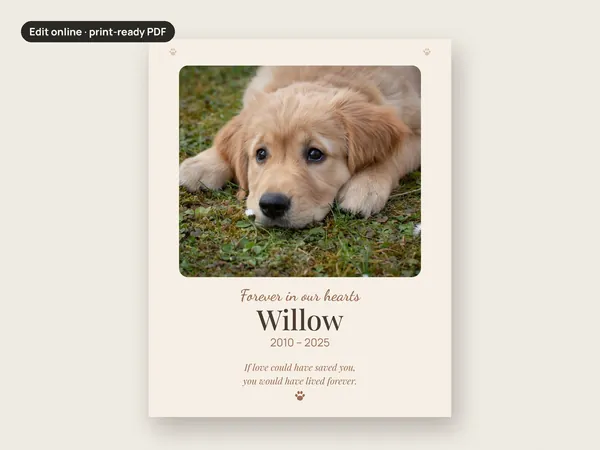
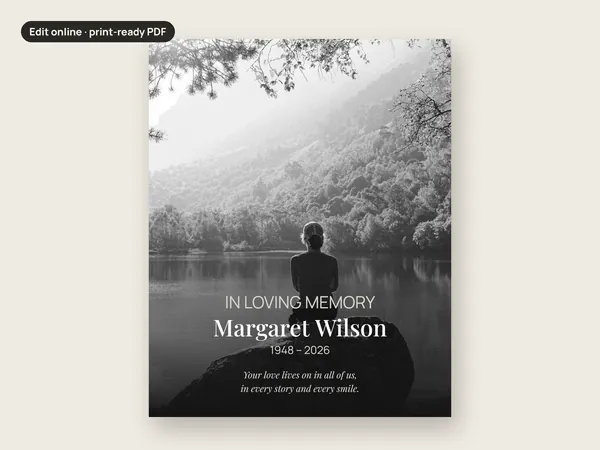
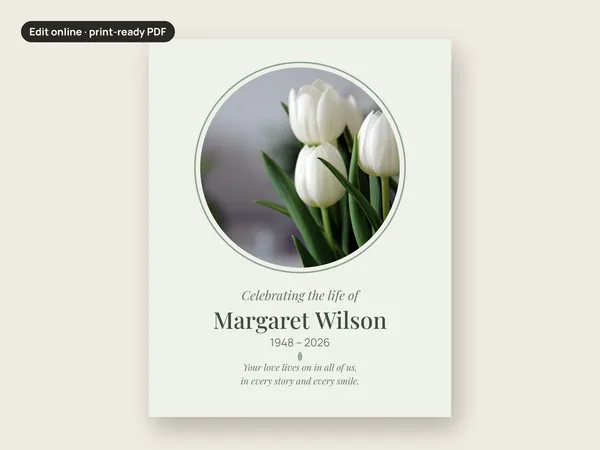
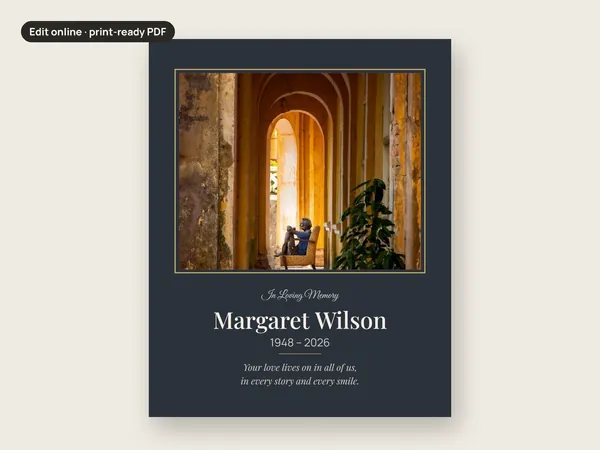
- Choose a design: arch photo on ivory, full black-and-white photo, oval portrait in sage, or slate and gold.
- Add the photo by tapping the photo spot. Drag and zoom it so the face sits well.
- Change the words: the heading, name, dates and verse.
- Download the PDF at the size you need and print it.
Wording ideas
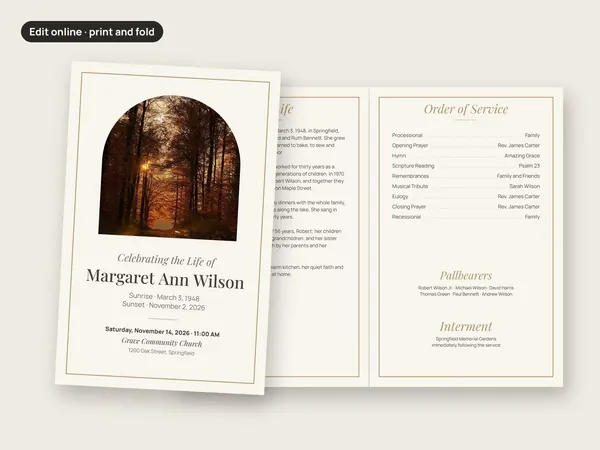
- Headings: In Loving Memory; Celebrating the Life of; Forever in Our Hearts; A Life Well Lived.
- Short lines: "Your love lives on in all of us." "Loved beyond words, missed beyond measure." "Always remembered, forever loved."
- For a celebration of life: their favorite saying, or a line that sounds like them.
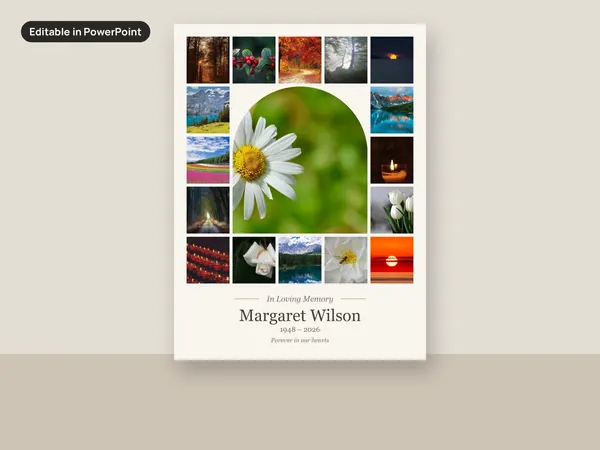
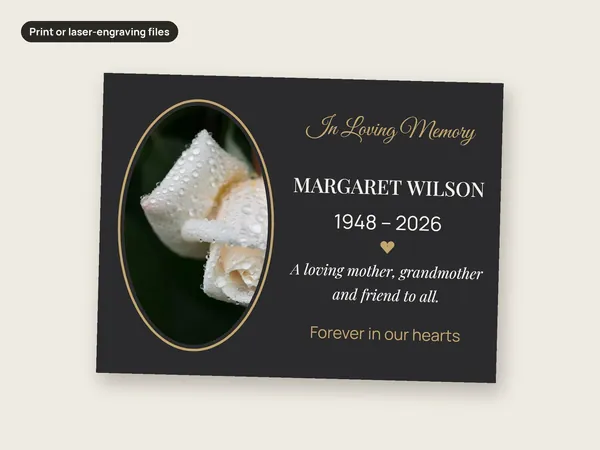
Want more photos on one poster? See the memorial photo collages. For a lasting stone or plaque, see memorial plaques.
Guide: Memorial table ideas for a funeral or celebration of life
Questions
How can I use it?
On an easel at the entrance to the funeral, memorial service or celebration of life, on the table by the guest book, at the reception, and afterwards framed at home. Smaller copies make a keepsake for close family.
Which size do I need?
18 x 24 or 24 x 36 inches for an easel, 11 x 14 or 16 x 20 for a table, 8 x 10 for a frame at home.
Can I make the photo black and white?
Yes. Tick Black-and-white photos in the designer. It works with any design and suits old photos especially well.
Can I change the words?
Every word: the heading, the name, the dates and the verse. Tap a line and type. You can also add lines, change fonts and colors, and move everything.
I don't have a printer. Where can I print it?
Save the PDF to a USB stick or email it to a print or copy shop near you, such as Staples, FedEx Office, The UPS Store, Walgreens or a local copy shop. Ask for a poster print at the size of your file, at 100% (actual size). Many print posters the same day; a foam board backing helps it stand on an easel.
Can I share it with family who cannot be there?
Yes. Email the PDF or send it in WhatsApp, iMessage, Messenger, Telegram, Viber, Signal or any other chat, or post it with the service details. To have it show as a picture in the chat, open it on your phone and take a screenshot, then send that.