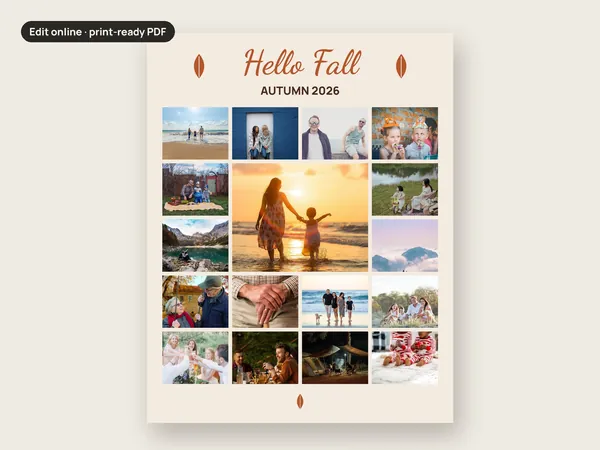
Birthday photo collage ideas: choosing and arranging the photos
The hard part of a birthday collage is not the design: it is picking twenty photos out of thousands. Here is a simple way to choose, order and place them.
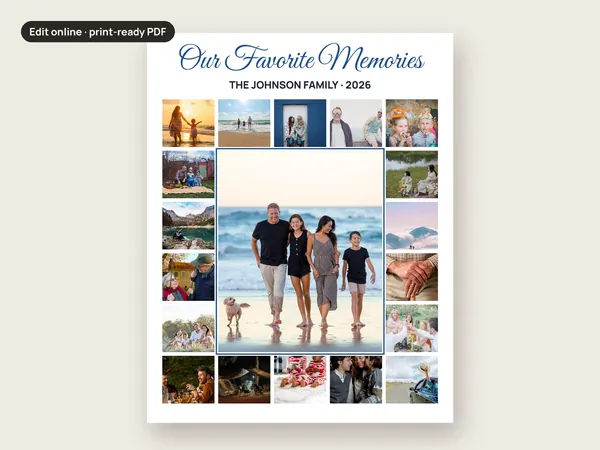
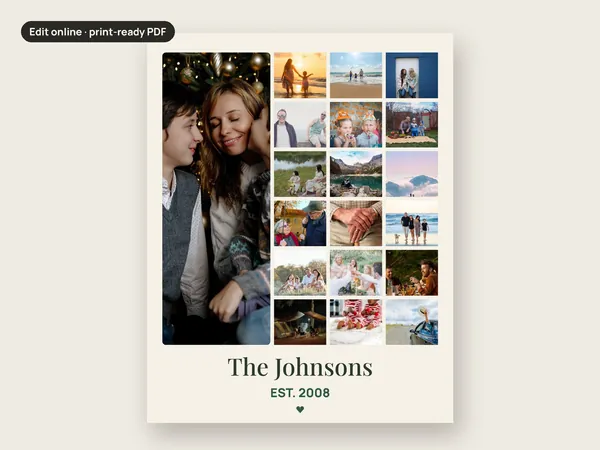
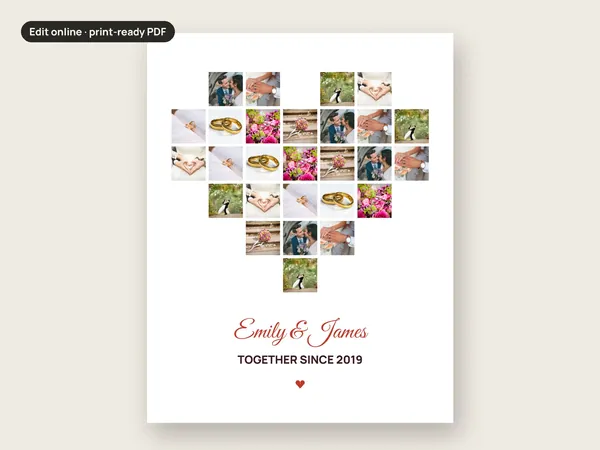
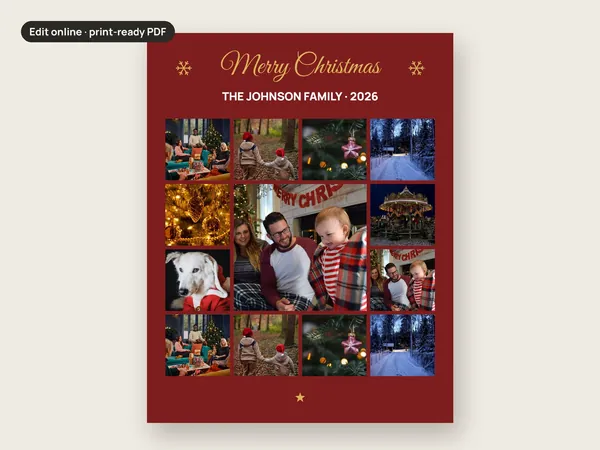
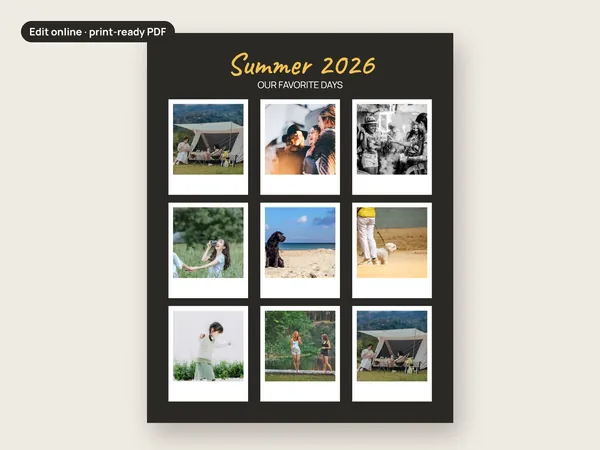
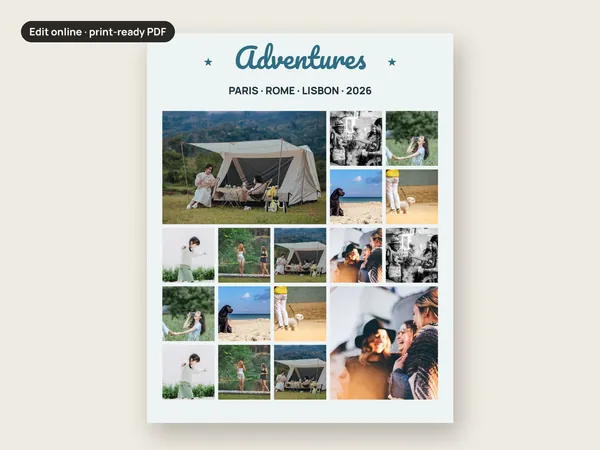
The short answer: pick one strong photo for the big spot, then 12 to 24 smaller ones that tell their life in order: childhood, school years, the people they love, and today. Mix close-ups with a few wider shots, and use black and white if old and new photos clash.
How many photos you need
On a poster, fewer bigger photos read better from across a room than many tiny ones.
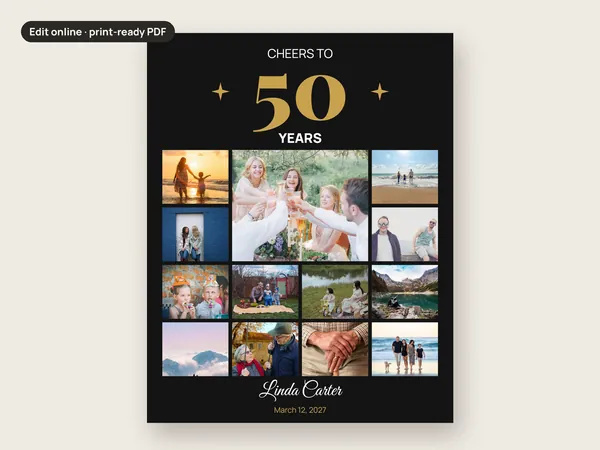
- 13 to 16 photos for a poster built around a big age or one large photo.
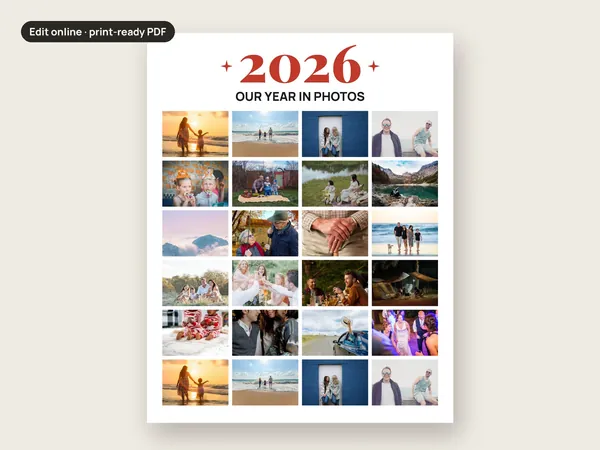
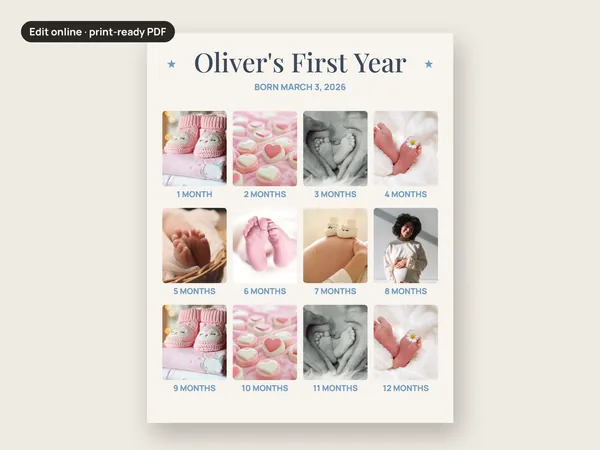
- 20 to 24 photos for an even grid or a year in photos.
- Gather about twice as many as you need, then cut. Choosing is easier with too many than too few.
Gathering photos without spoiling the surprise
- Make a shared album (Google Photos, iCloud) and send the link to family and close friends.
- Ask for something specific: "one photo from each decade" or "your favorite photo with her" gets better answers than "send photos".
- Photograph or scan old prints. A scan at 300 dpi or more keeps them sharp; a phone photo of a print in daylight, taken straight on, also works.
- Give a deadline a week before you need to print.
Choosing the photos
- The big spot: a recent, sharp photo where they look happy and the face is large. This is what people see first.
- Faces first: close-ups work in small spots; group photos of twelve people don't.
- One of each person who matters: partner, children, grandchildren, best friend, the dog.
- The things they love: the garden, the team, the motorbike, the kitchen.
- Leave out blurry photos, photos where they hate how they look, and anything that will embarrass them in front of their boss.
Putting them in order
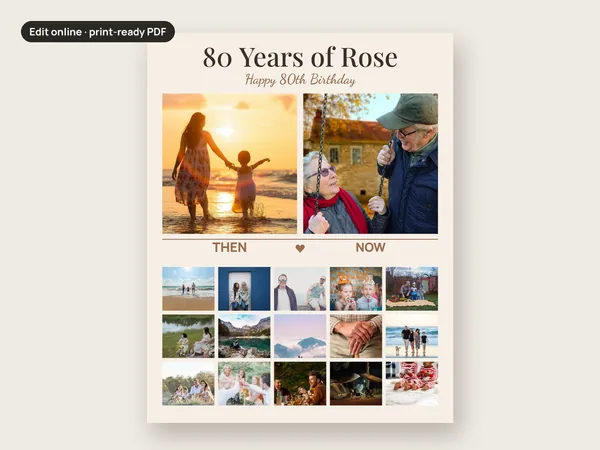
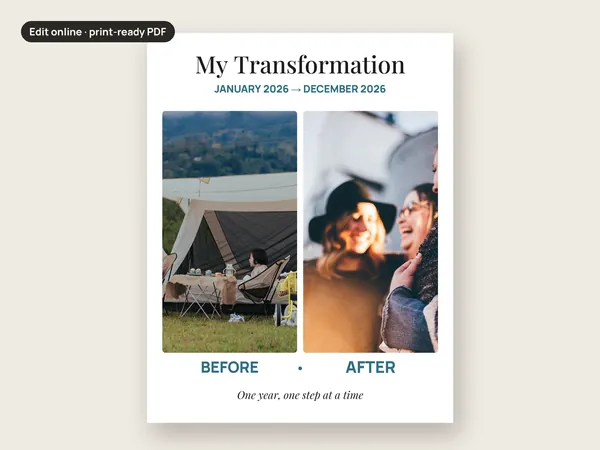
For a milestone birthday (50th, 60th, 70th, 80th, 90th), order the photos by age, left to right and top to bottom, like a timeline: baby photo first, today last. A then-and-now collage does the short version: a childhood photo beside a recent one.
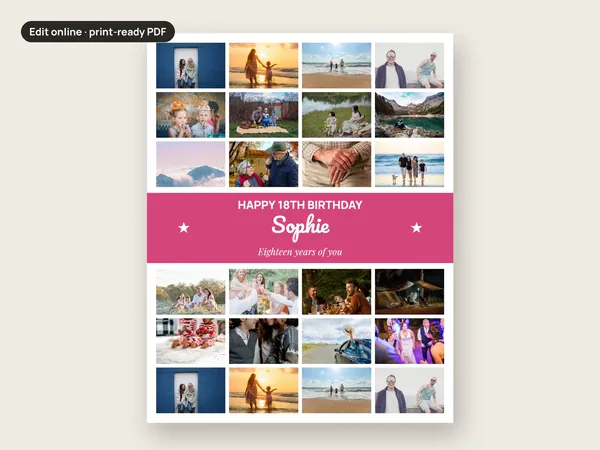
For an 18th or 21st, mix it up instead: baby photos next to school photos and friends, so it feels like a party rather than a timeline.
Making old and new photos match
Faded 1970s prints next to bright phone photos can look messy. Three fixes:
- Switch the whole collage to black and white. Everything matches at once, and it looks deliberate.
- Put the old photos in one row or corner and the new ones in another.
- Sharpen small or blurry old photos with a free photo upscaler before you add them.
Size and printing
18 × 24 or 24 × 36 inches suits an easel at the party; 11 × 14 or 16 × 20 suits a frame. Photos stay sharp on a big poster when they are at least 1000 pixels wide, which almost every phone photo is. Any copy shop prints posters, often the same day: ask for 100% (actual size).
More ideas
- A year in photos: two photos a month, for grandparents at Christmas.
- A guest-signing poster: leave a wide border and a marker on the table.
- A single photo instead: a birthday magazine cover.